Get a $5 Amazon Gift Card when you make your first return. See terms
%20reversed%20(100%25).png)

Use Circle Lockers for All Your Ecommerce Returns
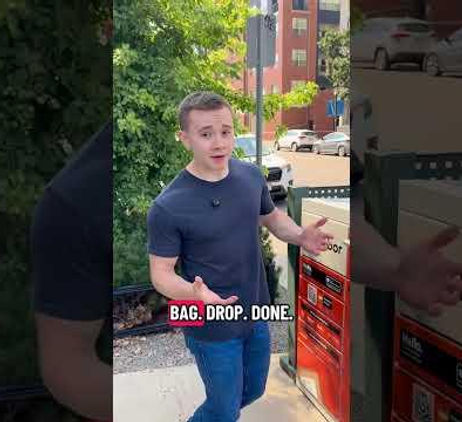
Circle Lockers makes returns fast and convenient with app-powered smart lockers across the city. Choose a location, open a locker from your phone, and leave your item in seconds.
1
Download the App & Create Your Account
Create your account and set up your profile. The app becomes your control center, letting you open lockers with a tap, see available locations, track your drop-offs, and manage everything from your phone.


2
Find Your Nearest Circle Locker Location
Open the map in the app to find locker spots in your city. Pick the one that's convenient to you!
Locker locations are currently centralized to Downtown Denver, with additional locations in Superior and Erie, Colorado. New Circle Locker locations will be opening daily throughout 2026.
3
Scan the QR Code & Drop Your Item
When you arrive at the Circle Locker location, use the app to open the locker and place your item in a pre-stamped bag. Scan the QR code on the bag, place your item inside, close the door, and you’re set. The app instantly confirms your drop so you always know where your item is in the process.
Ready to Get Started?
Download the app and find a Circle Locker near you.


Returns Without Circle Lockers
Drive miles, park, go into store, wait in line, drop off your return, drive back!


Returns With Circle Lockers